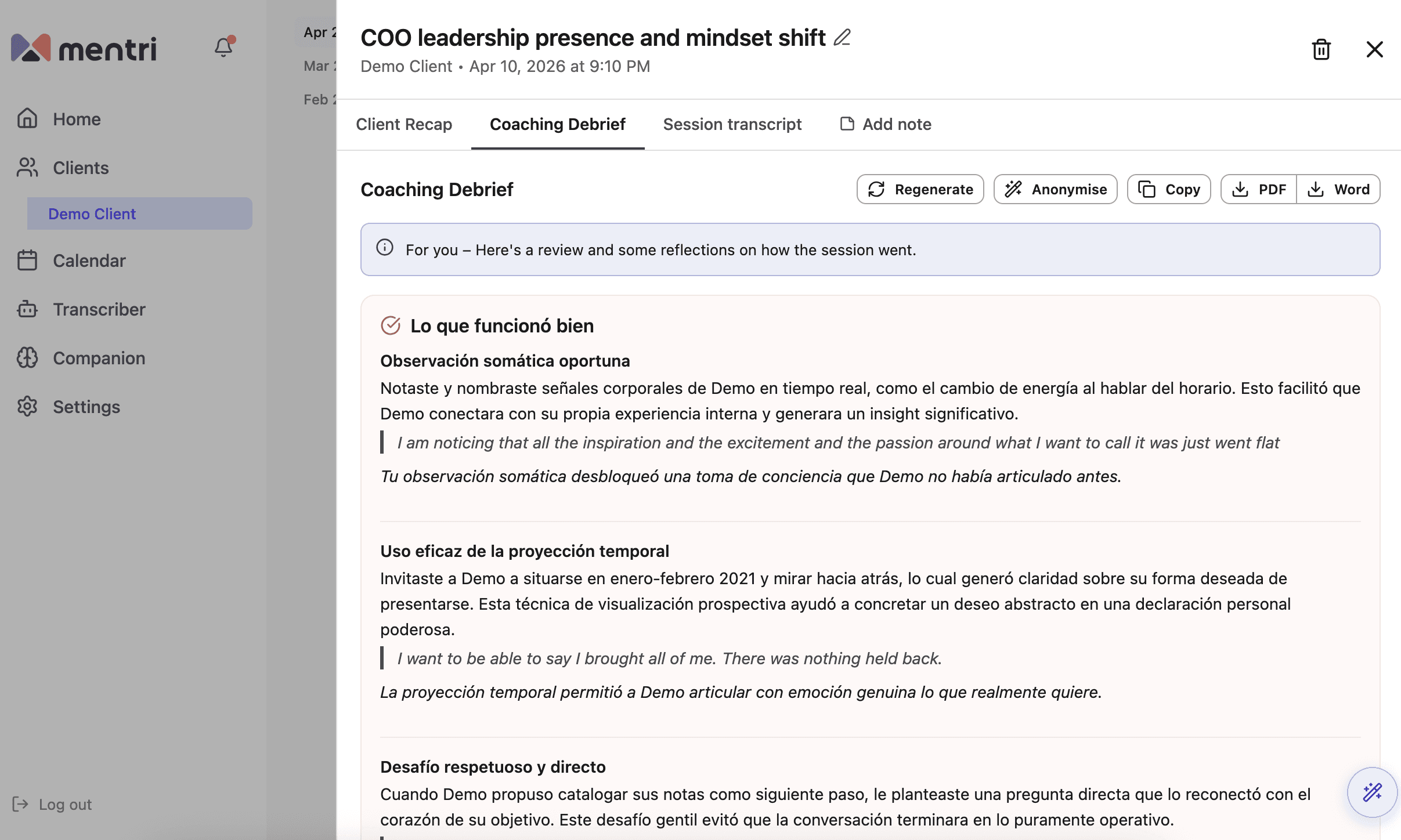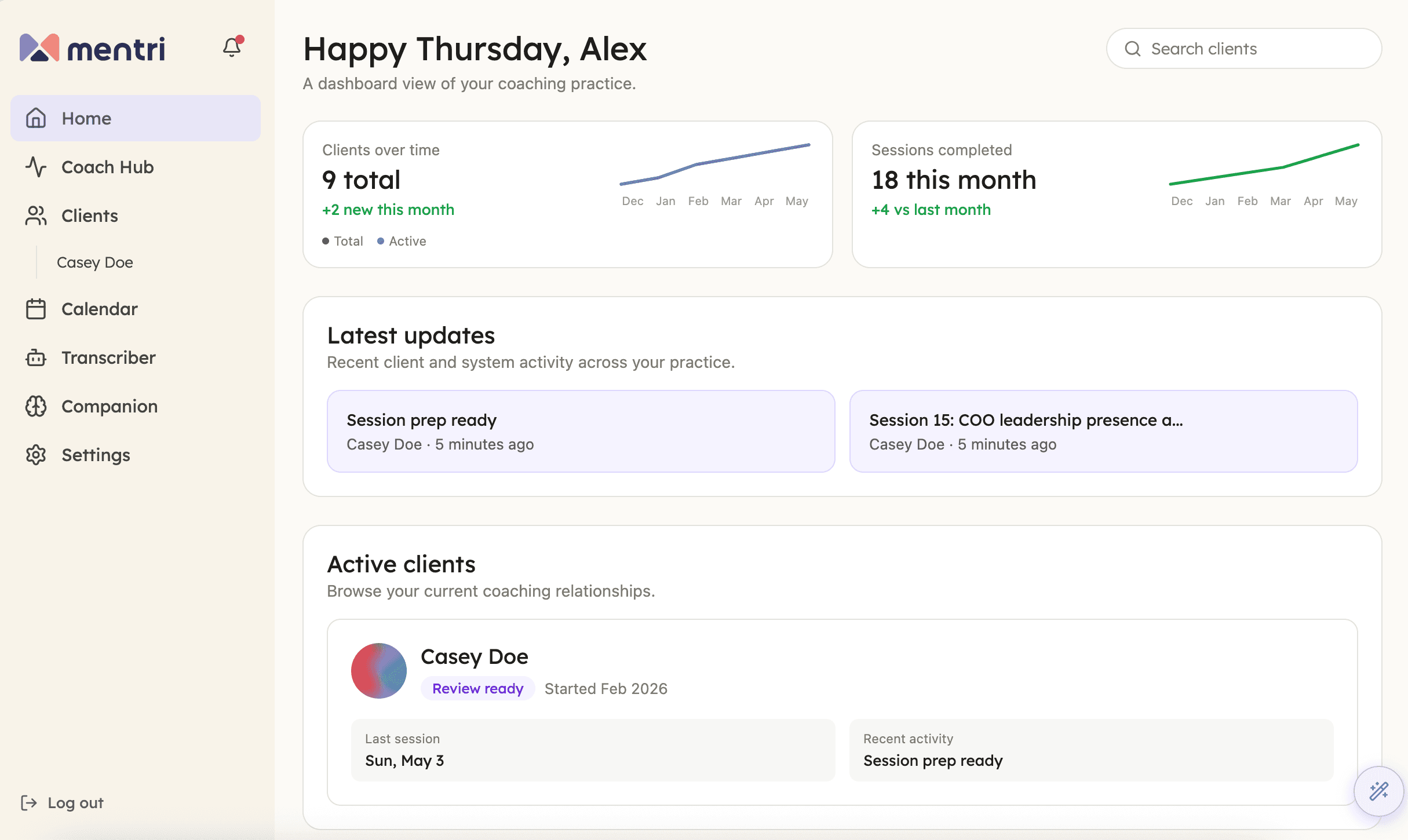
Mentri now opens to a new Home page — a dashboard view of your coaching practice with clients over time, sessions completed, recent activity, and your active clients in one view.
The previous home view, your live workspace for the coaching day, is now called Coach Hub. You will find it directly below Home in the sidebar.
In addition, we've made a couple of recent enhancements to how clients and sessions are tracked.
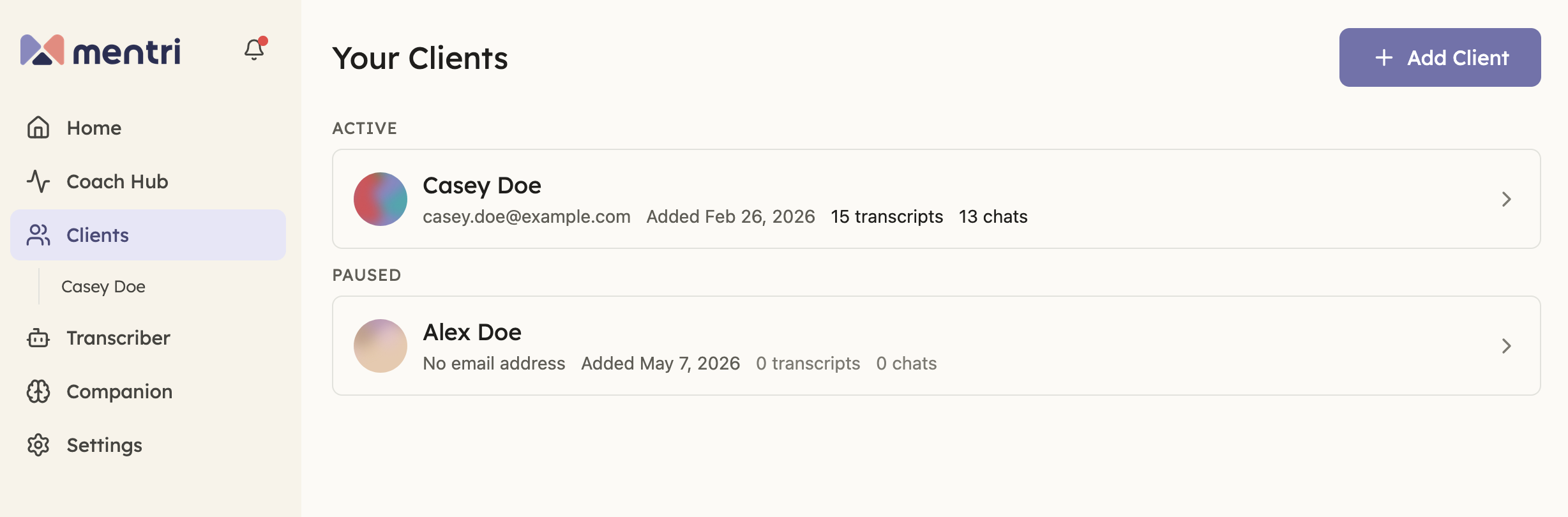
Specify client statuses
Each client can now be marked as Active, Complete, or Paused. The status groups clients in the Clients view, keeps Active clients visible on Home, and feeds into reporting — so each view reflects where the relationship currently stands.
Customise session numbering
Session numbering can now be customised, or removed altogether, depending on how each coach prefers to track their work. A common case: if a few sessions happened offline, edit the newest session's number in Mentri to reflect the true count. Subsequent sessions will continue from there automatically.

Try Mentri free
These updates are part of Mentri's 30-day free trial. New coaches can sign up now and try them in their own workspace.